▶playbound.Discover. Play. Connect.

PlayBound

Discover. Play. Connect. Every title clears the PlayBound Bar and runs on our open architecture.

Play

  • Games
  • Mods
  • Gear
  • Game Deals

Multiplayer

  • Multiplayer
  • Connect
  • Play Together
  • Game Server Hosting
  • Controls
  • Events

Discover

  • Guides
  • Blog
  • Compare
  • Alternatives
  • Our Standard

Developers

  • Developers
  • Developer Portal
  • Submit a Game
  • Submit a Mod
  • Submit an Edition
  • Launcher
  • Trust & Architecture

Company

  • About
  • Privacy
  • Terms

PlayBound earns a commission when you buy games through our affiliate links at participating stores.

© 2026 The Media Shop. All rights reserved.

HomeGamesModsMultiplayerLibrary
▶playbound.Discover. Play. Connect.
HomeGamesModsMultiplayerEventsFriendsLibraryGame dealsFeedback

Your workspace

My serversDeveloper tools
Discovery & compatibility
Discover
Showing every PlayBound-approved game, free and paid.
Compatibility
Showing games compatible with this device.
Create a free accountSign in to PlayBound →
HomeGamesModsMultiplayerEventsFriendsLibraryGame dealsFeedbackMy serversDeveloper tools
Sign inCreate a free account
Sign inSign up
Discover, compatibility & community
Discover
Showing every PlayBound-approved game, free and paid.
Compatibility
Showing games compatible with this device.
HHorn of the Abyss cover
Mod

Horn of the Abyss

The community expansion that adds a ninth town, new creatures and artifacts to Heroes III.

0 playing now

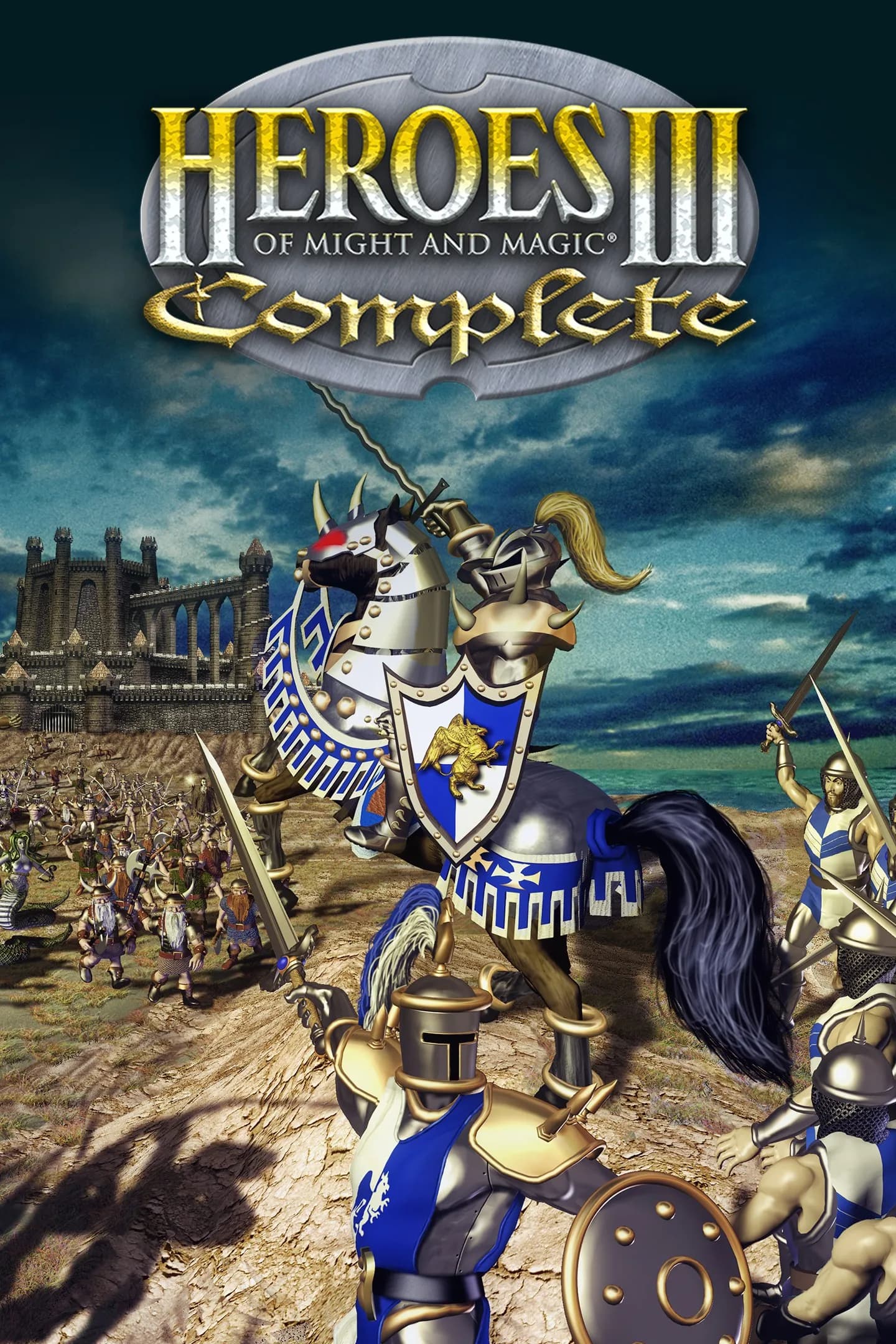
For Heroes of Might and Magic III: Complete

overviewguidesdiscussionreviews

What it changes

Adds the Cove town, new creatures, artifacts, maps and a campaign, with online play, to Heroes of Might and Magic III.

About Horn of the Abyss

Horn of the Abyss is the largest Heroes III expansion, with years of work from the HotA Crew. It adds the Cove, a new campaign, more creatures, artifacts and map objects, plus online multiplayer. Version 1.8.0 is a standalone setup executable which finds your Heroes III copy and installs HotA beside it.

ShareRedditXBlueskyFacebookWhatsApp

Install with the PlayBound Launcher

The launcher installs this into ./ for Heroes of Might and Magic III: Complete. If the base game is missing, it will install that first.

Download manuallyAll mods for Heroes of Might and Magic III: Complete

How to install Horn of the Abyss

  1. 1

    Install Heroes of Might and Magic III: Complete first if you have not already — Horn of the Abyss is an add-on and needs the base game.

2

The quickest route is the PlayBound Launcher: open Heroes of Might and Magic III: Complete, find Horn of the Abyss in its mods list and press Install. The launcher downloads the official release and places it in the right folder for you.

  • 3

    To install it by hand, download the archive directly from https://heroes3towns.com/HotA/HotA_1.8.0_setup.exe.

  • 4

    Extract the archive into the "." folder inside your Heroes of Might and Magic III: Complete installation directory.

  • 5

    Start Heroes of Might and Magic III: Complete and enable Horn of the Abyss from the in-game mods or add-ons menu. The download is roughly 342 MB.

  • Frequently asked questions about Horn of the Abyss

    Is Horn of the Abyss free?

    Yes. Horn of the Abyss is released under Freeware fan mod and costs nothing. Neither it nor Heroes of Might and Magic III: Complete has any paid content.

    What do I need to run Horn of the Abyss?

    Heroes of Might and Magic III: Complete, which is itself free. Horn of the Abyss is an add-on and will not run standalone.

    How do I install Horn of the Abyss?

    The PlayBound Launcher installs it in one click from Heroes of Might and Magic III: Complete's mods list. You can also install it by hand — full steps are on this page.

    How big is Horn of the Abyss?

    Roughly 342 MB, on top of the base Heroes of Might and Magic III: Complete installation.

    Activity

    0

    playing now

    Players this month
    0

    Updated every 15 minutes