Mod

Technic

Machines, power, and industrial progression.

For Luanti · Browse servers

About Technic

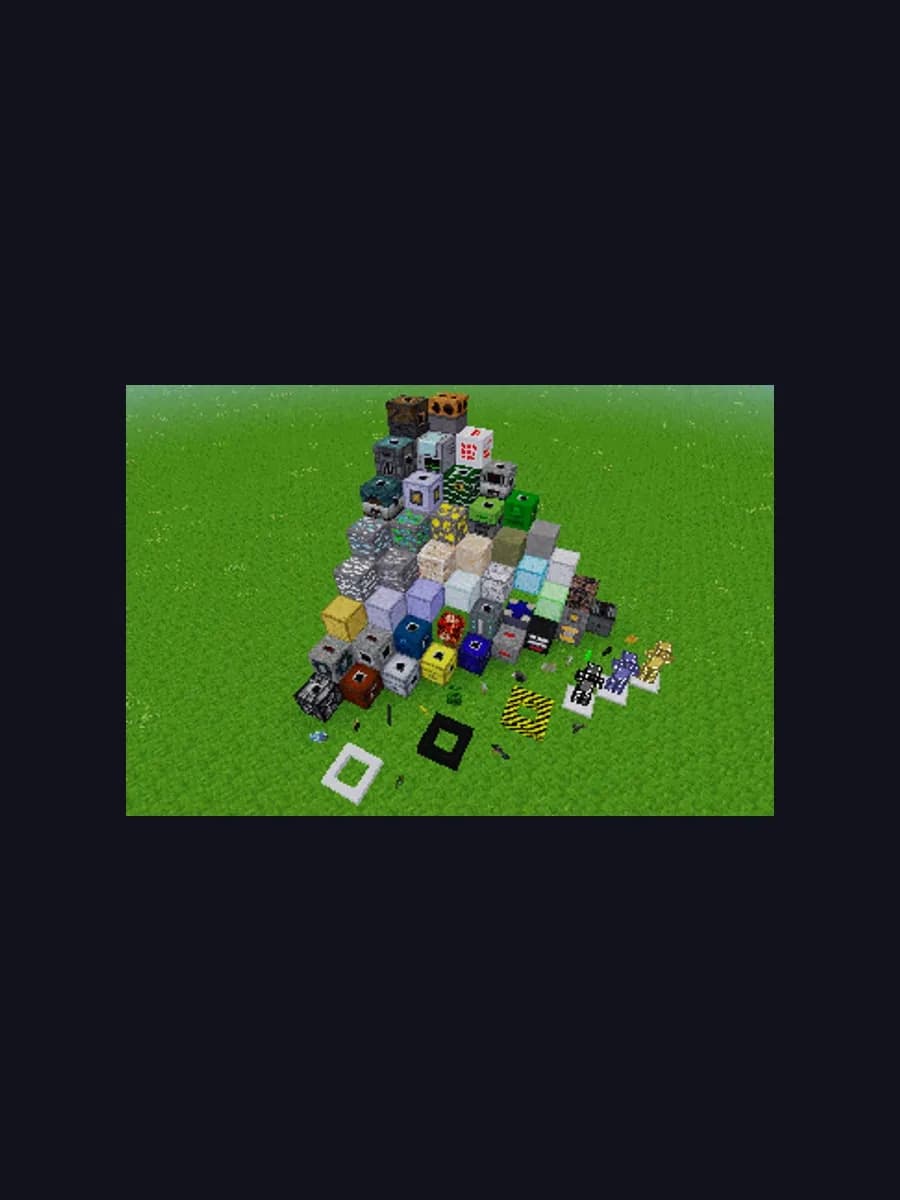
Technic adds generators, quarries, alloy furnaces, and a full tech tree. Pair with Mesecons for factories. One-click from ContentDB.

Install with the PlayBound Launcher

The launcher installs this into mods/ for Luanti. If the base game is missing, it will install that first.

How to install Technic

  1. 1

    Install Luanti first if you have not already — Technic is an add-on and needs the base game.

  2. 2

    The quickest route is the PlayBound Launcher: open Luanti, find Technic in its mods list and press Install. The launcher downloads the official release and places it in the right folder for you.

  3. 3

    To install it by hand, download the archive directly from https://content.luanti.org/packages/RealBadAngel/technic/download/.

  4. 4

    Extract the archive into the "mods" folder inside your Luanti installation directory.

  5. 5

    Start Luanti and enable Technic from the in-game mods or add-ons menu. The download is roughly 8 MB.

Frequently asked questions about Technic

Is Technic free?

Yes. Technic is released under LGPL / Community and costs nothing. Neither it nor Luanti has any paid content.

What do I need to run Technic?

Luanti, which is itself free. Technic is an add-on and will not run standalone.

How do I install Technic?

The PlayBound Launcher installs it in one click from Luanti's mods list. You can also install it by hand — full steps are on this page.

How big is Technic?

Roughly 8 MB, on top of the base Luanti installation.

Is Technic open source?

Yes. The source is published at github.com/minetest-mods/technic under LGPL / Community.